
Using Aida AI across the dashboard
Aida AI lives in one chatbot widget (bottom right). Open it on any screen, choose Aida AI or customer support, and ask for help in natural language.Dashboard entry point
The Aida AI widget is always available in the bottom-right corner of every dashboard screen, so you can access help wherever you are.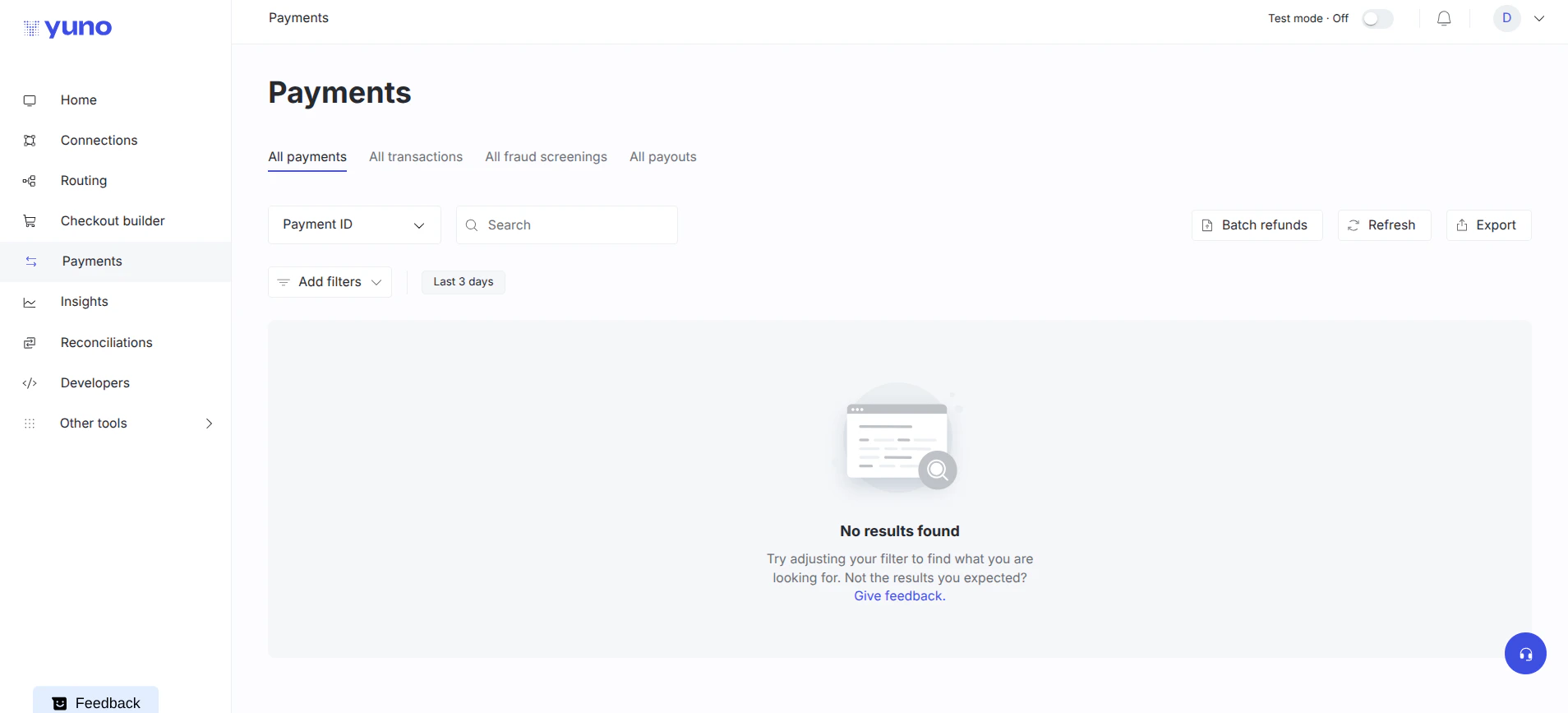
Start a new chat
When you open the widget, you’ll be prompted to start a new chat with Aida AI.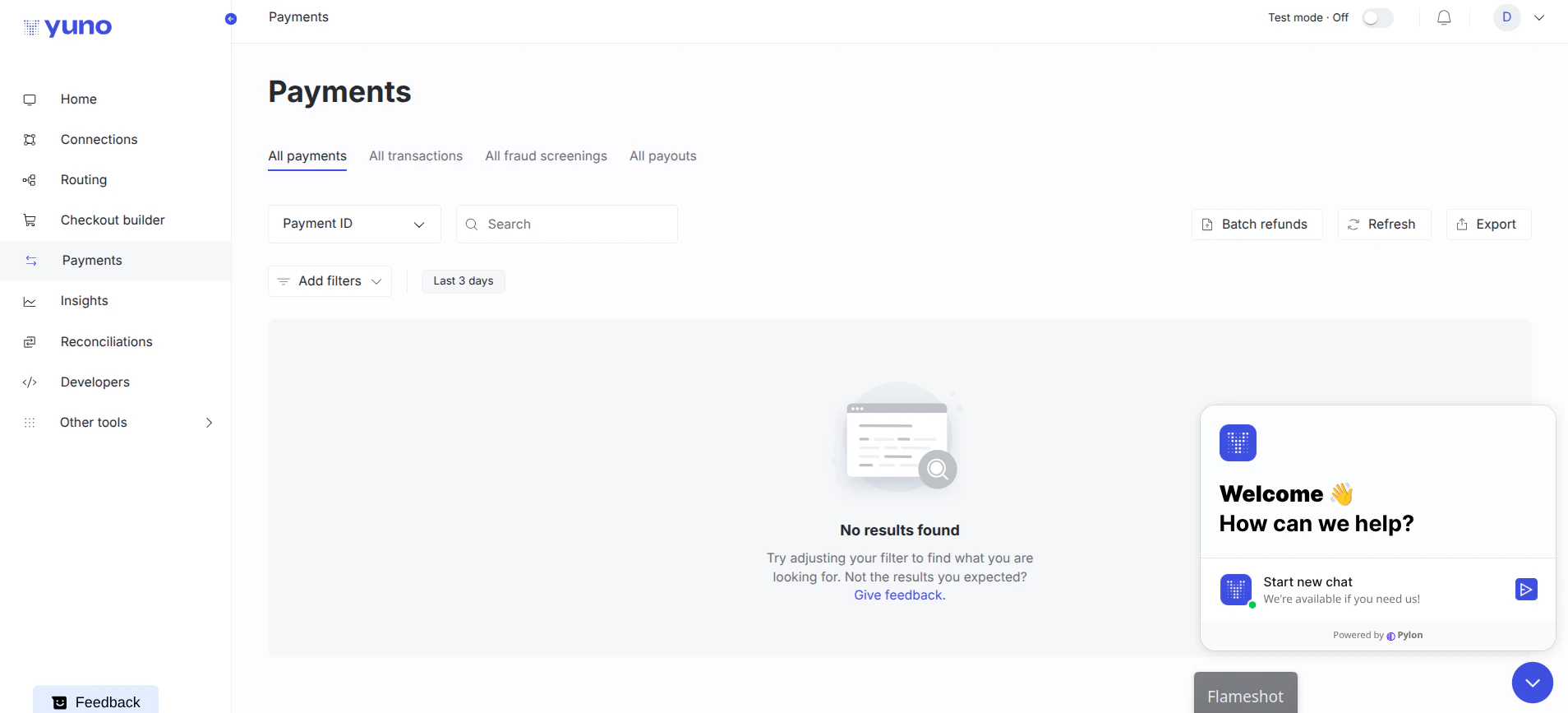
Payments
On the Payments section, use the chat to ask about payment IDs, status, or recent failures.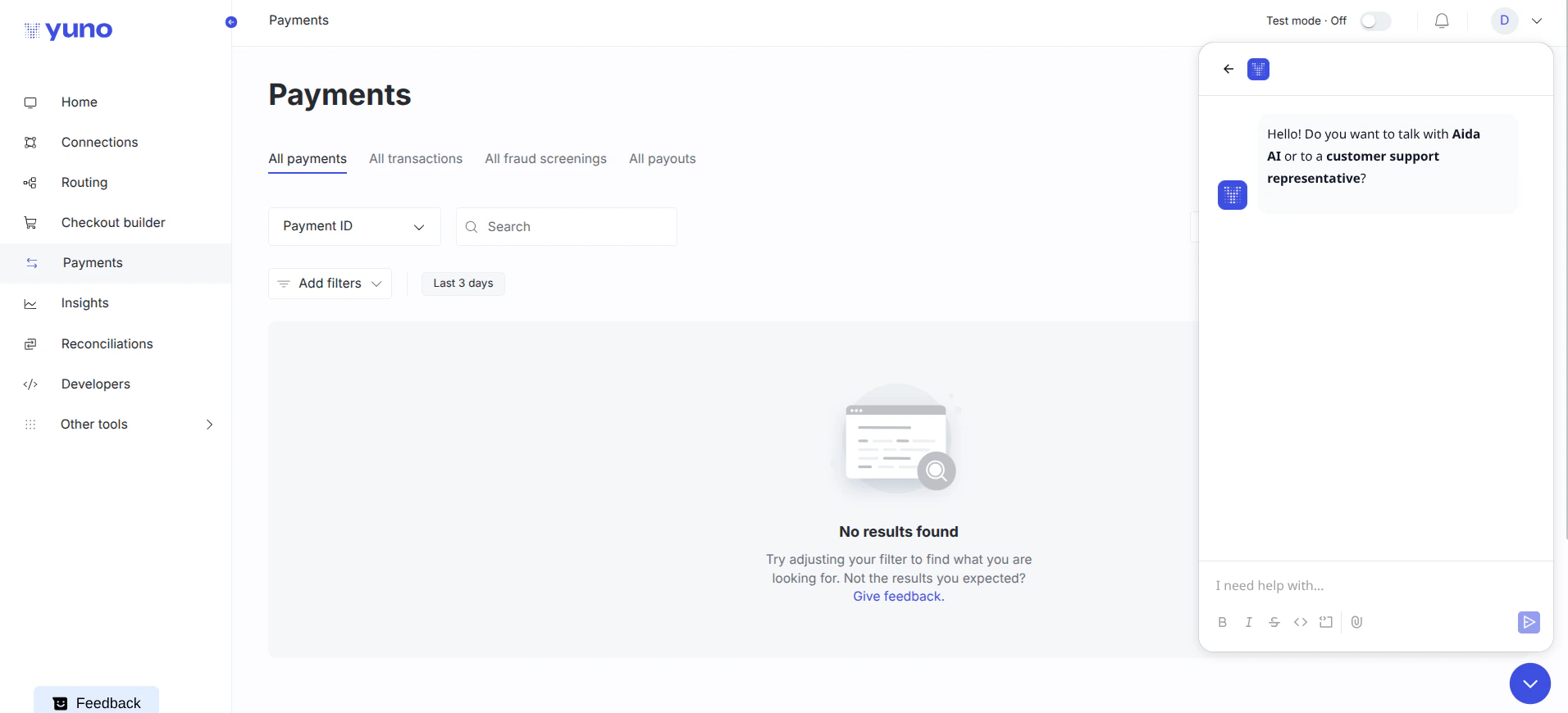
Insights
In the Insights section, ask Aida AI for metric explanations or quick charts.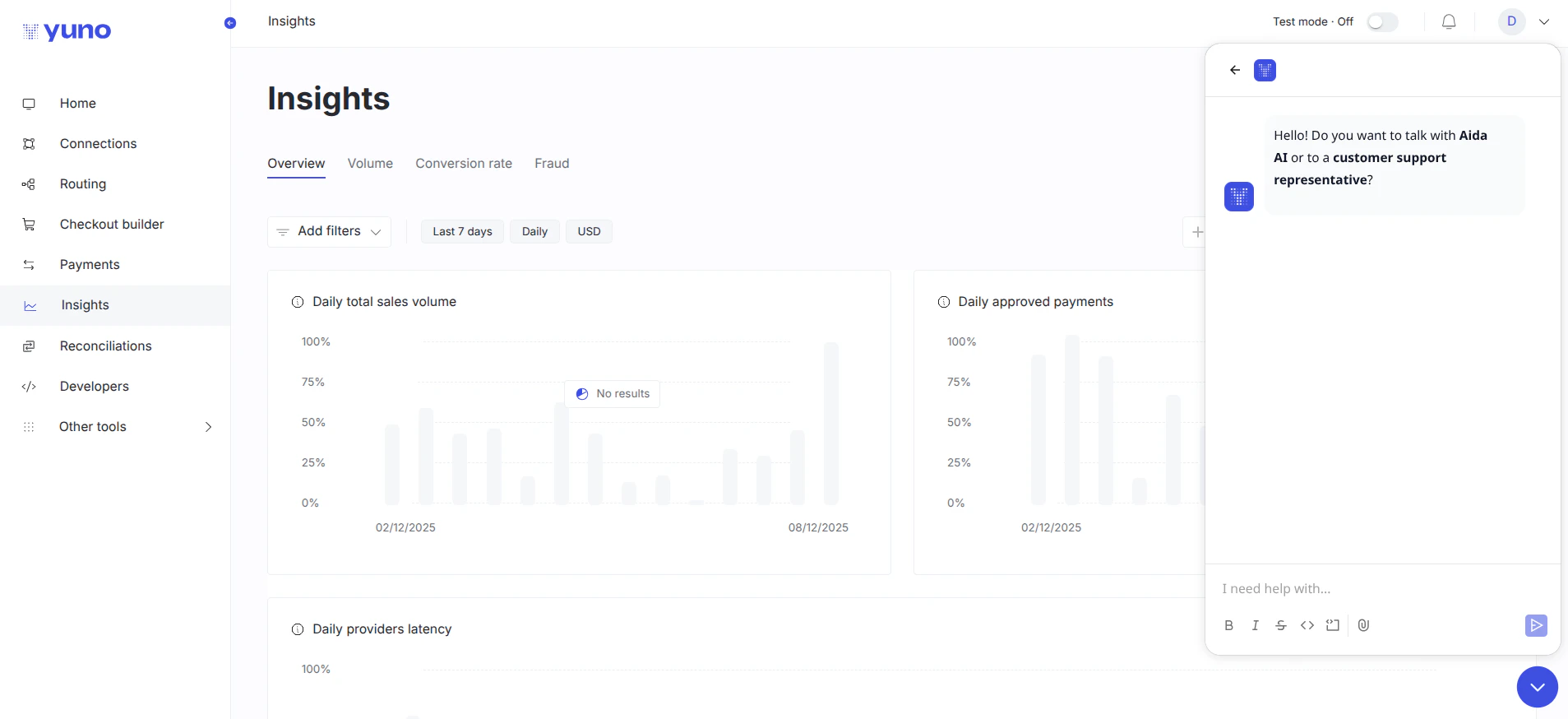
Routing
Within Routing, ask Aida AI to create, optimise, or troubleshoot routing rules.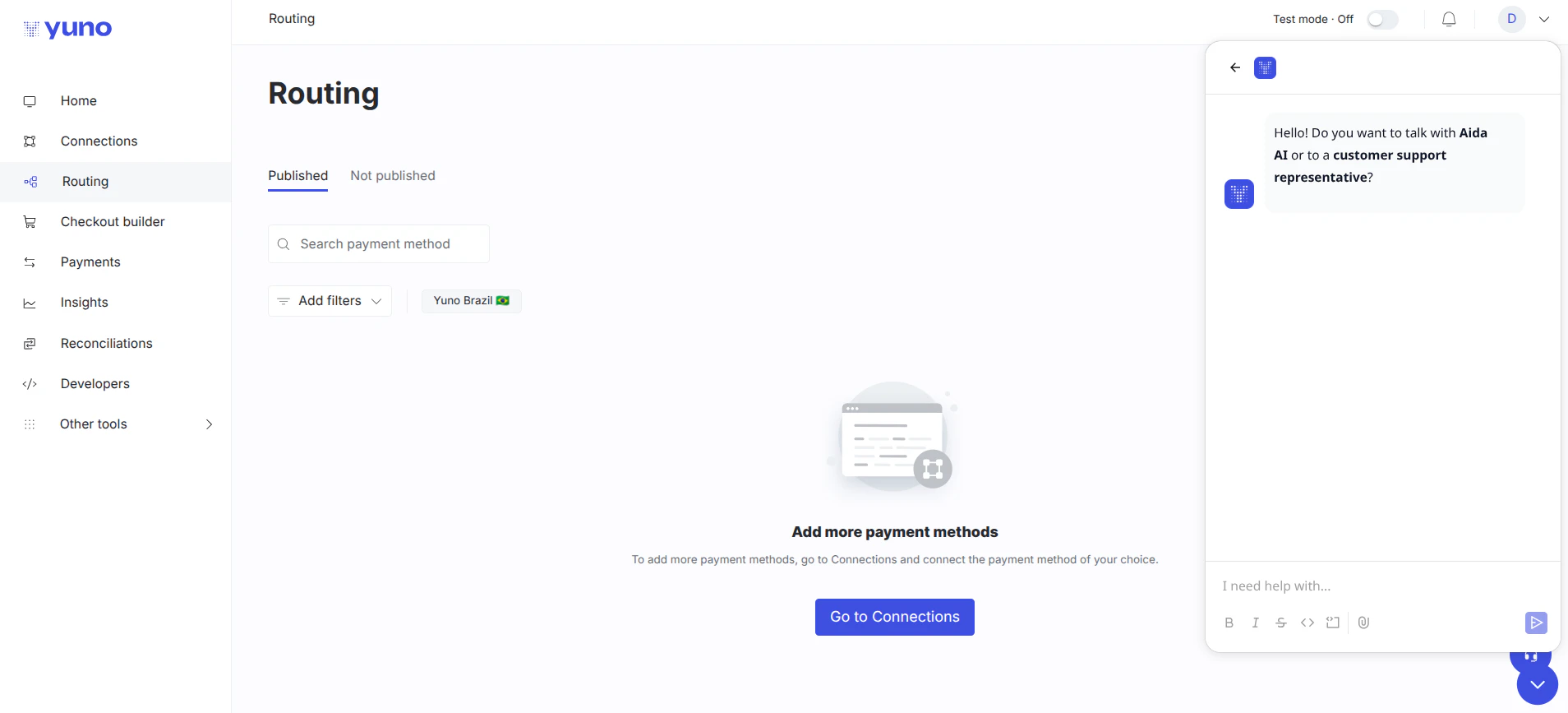
- Open the chatbot widget in the bottom right.
- Select Aida AI.
- Ask your question.
What you can ask Aida AI
Aida AI can help you with:- Payment information: get details about payments, transactions, and history
- Insights and analytics: request explanations, charts, or emailed visualizations
- Routing configuration: get help creating and optimizing routing rules
- Platform features: learn about Yuno features, integrations, and capabilities
- Troubleshooting: resolve issues and understand error messages
- Technical questions: ask about SDK integration, API usage, and platform functionality