
Postman CollectionAccess the Yuno APIs Postman collection.
Step 1: Fork the Yuno Postman collection
Before testing the endpoints, you need to fork the Yuno collection to your Postman account.- Access the Yuno Postman collection.
- Select the following Run in Postman button.
- Select if you want to run Postman on your Browser or using the Postman app.
- Sign up or log in to a Postman account.
- Select a workspace to import the collection into.
Collection and environment are separateForking the collection only brings the requests. The environment (the file with your API keys and account variables) is a separate
.json file that needs to be imported on its own, it does not come bundled with the collection fork.Step 2: Configure the environment variables
Before start testing the endpoint, you need to import and configure the environment. Otherwise, the requests will fail.- Download
Yuno_Sandbox.postman_environment.json, then import it. Access Environments on the left panel, then Import.
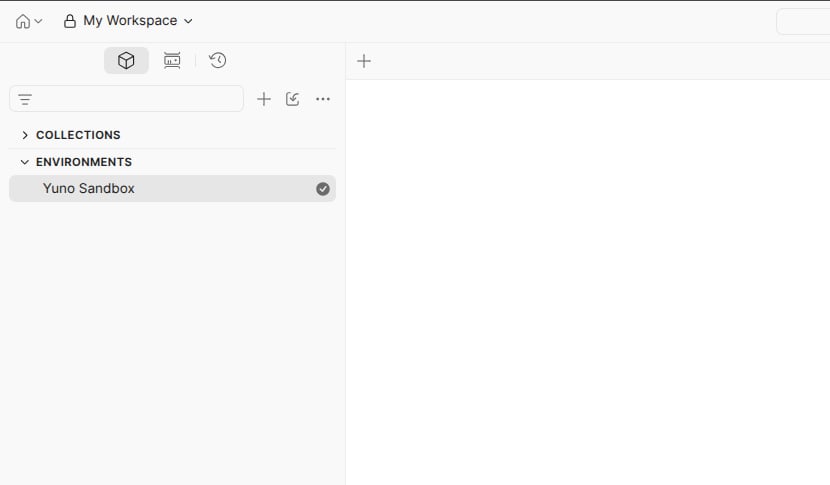
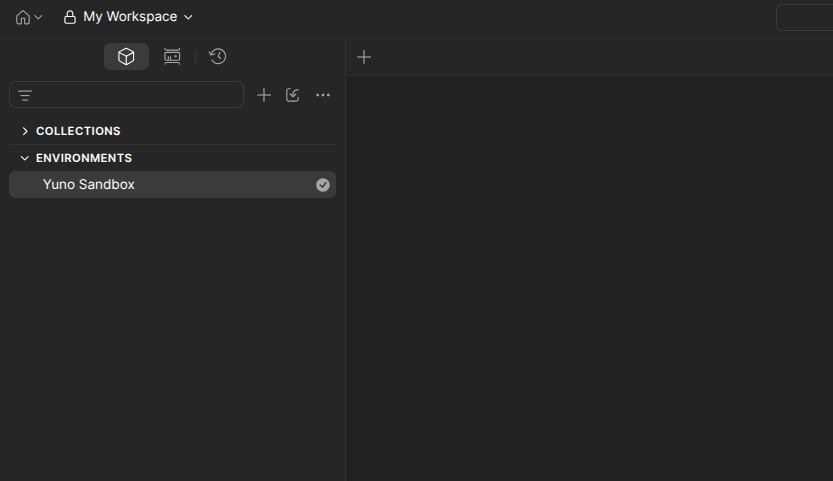
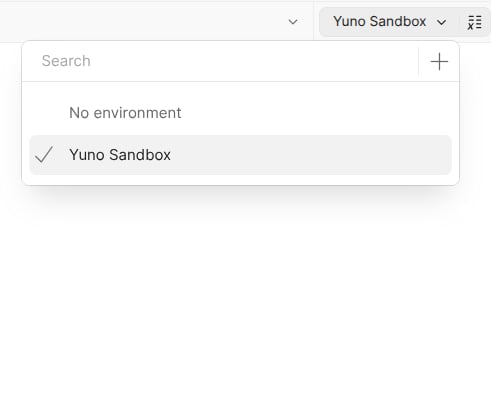
- Select the Yuno Sandbox environment once imported.
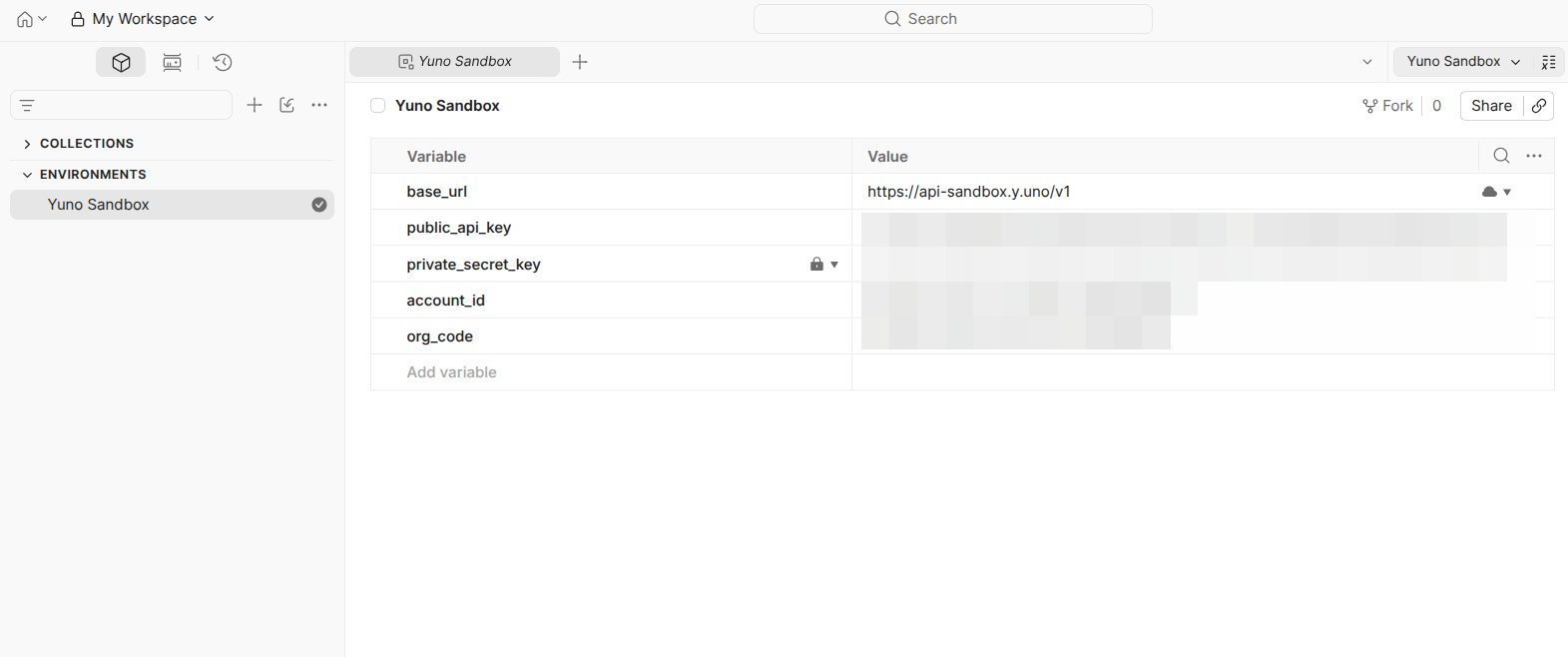
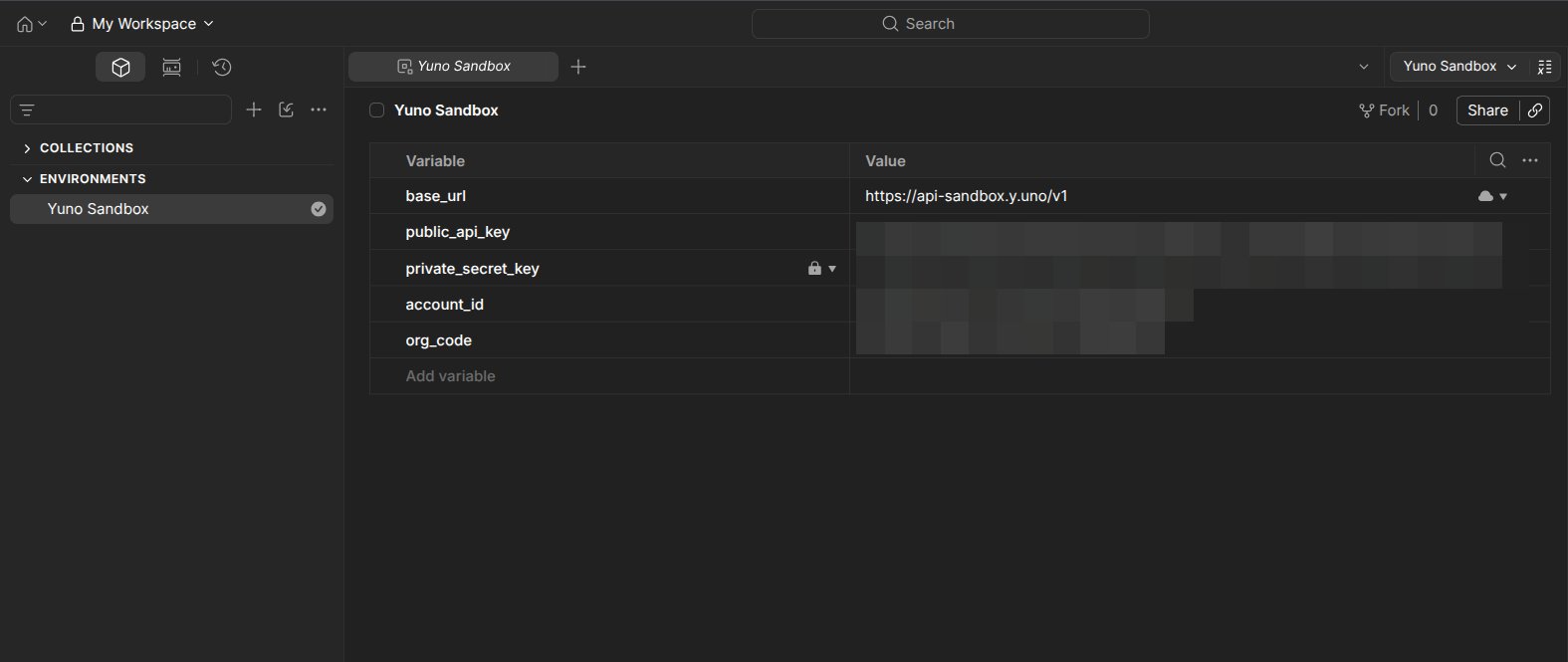
- Update the variable’s values. To start testing, you need to update at least
public_api_key,private_secret_key, andaccount_id.
Sandbox keys require test modeIn the Yuno Dashboard, toggle Test mode on before copying your API keys. With test mode off, the keys are scoped to production and won’t authenticate against the sandbox environment.
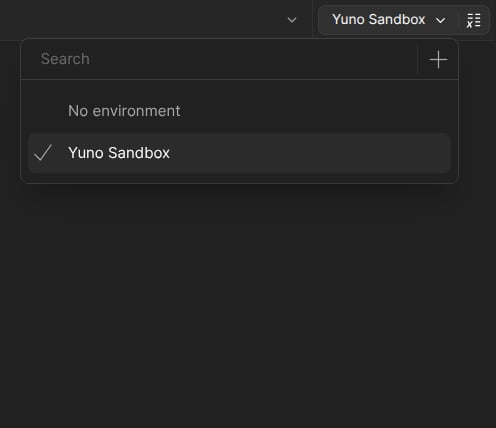
- Define Yuno Sandbox as the environment using the No Environment selector at the top right corner.
Step 3: Run in Postman
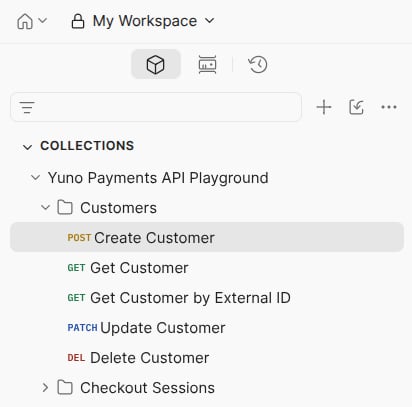
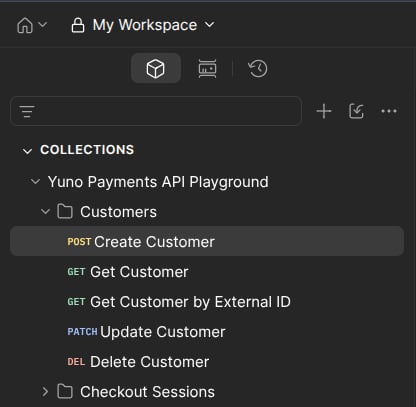
After selecting the environment and defining the variable values, you can start testing the endpoint.- Select the Yuno Payments API Playground collection on the Collections tab.
- Choose an endpoint.
- Provide the necessary values to the parameters available on the Headers and Body tabs.
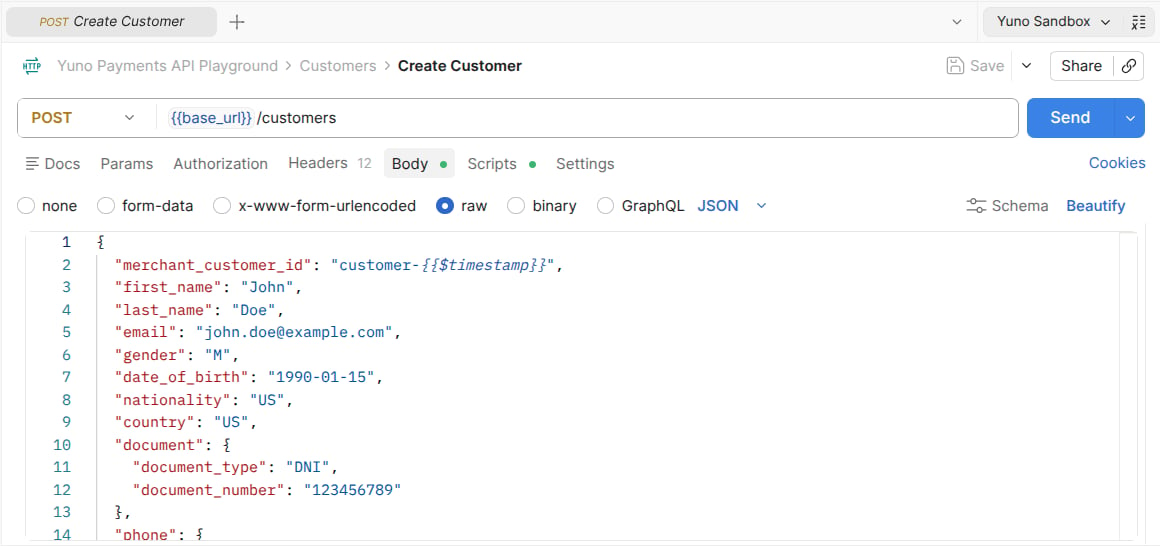
- Use the Send button to perform the request to Yuno’s server.
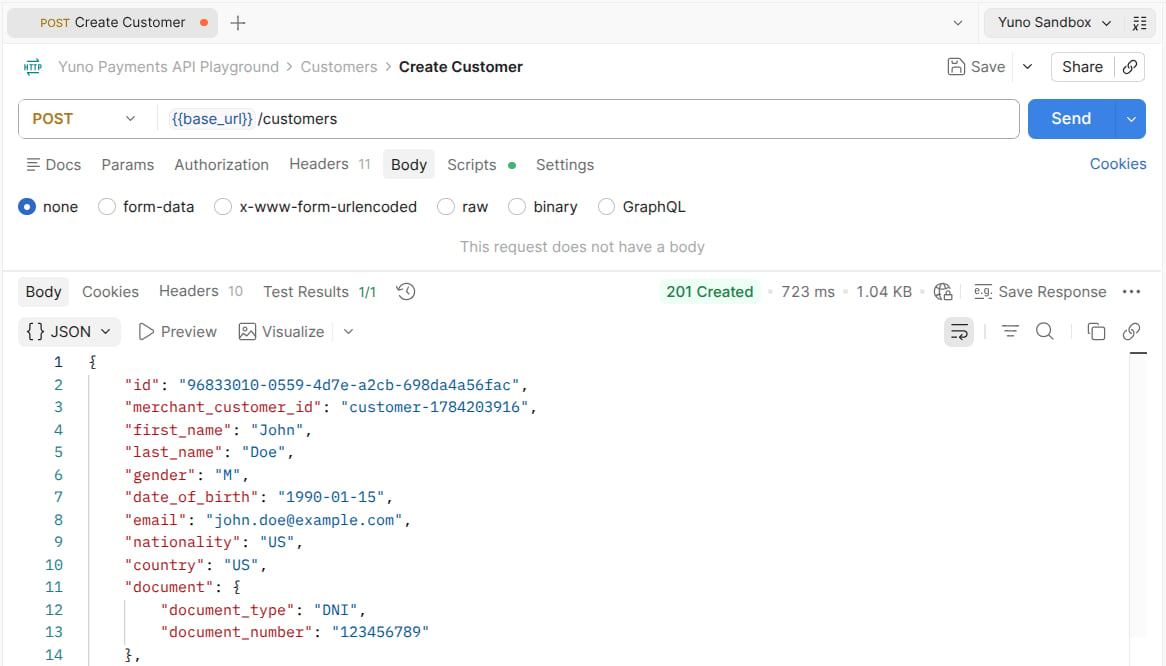
Postman VariablesIn the Yuno Collection, various parameters are considered as variables. These values can be defined in the environment or upon receiving a response from the server. Postman variables aid in testing different endpoints in a sequence. The values received from one response fill in the body parameters for the subsequent request.