
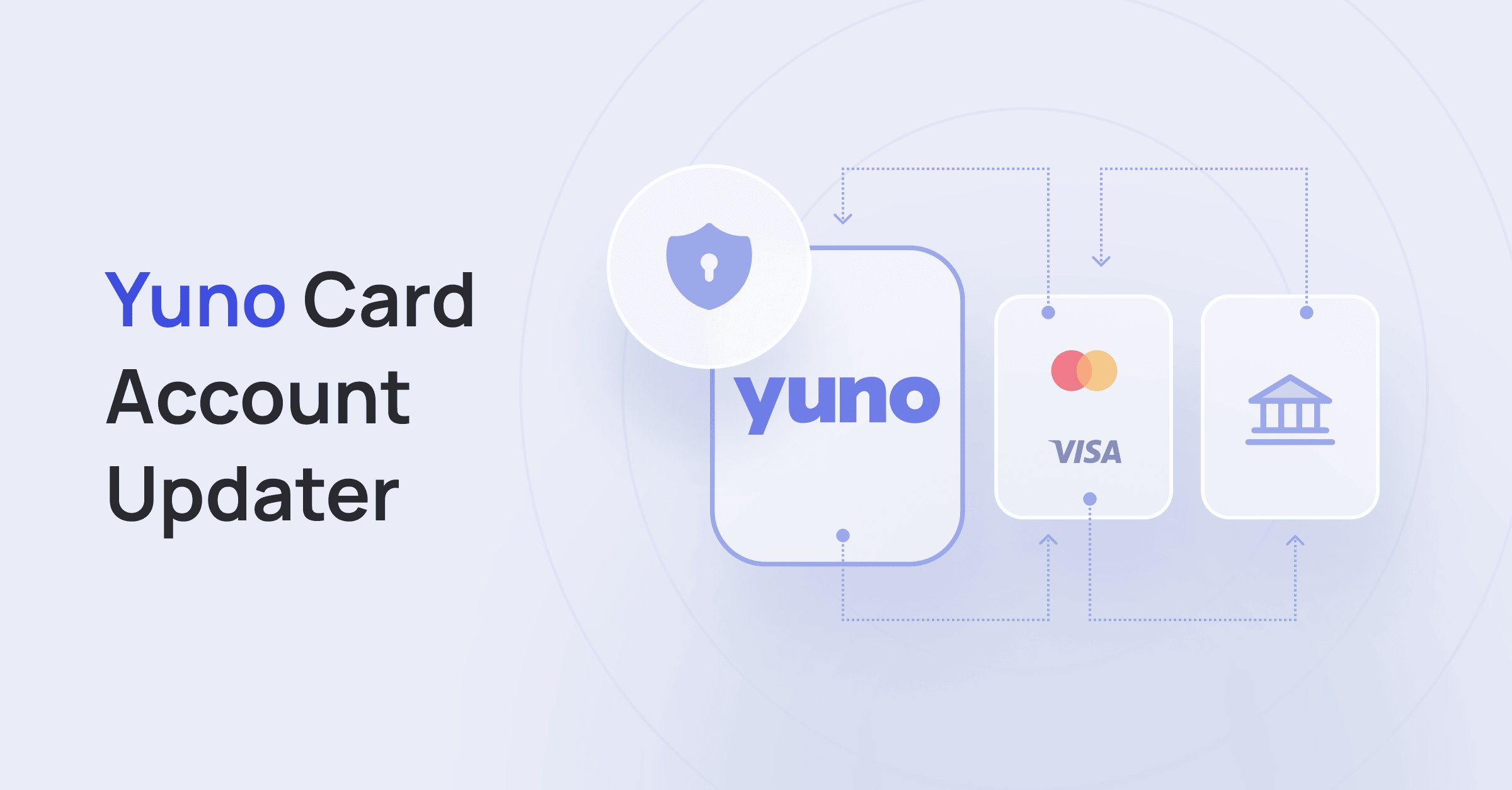
Benefits of Card Account Updater
- Improved Payment Success Rates: Automatically updating card information reduces the likelihood of failed transactions due to expired or replaced cards, ensuring a higher success rate for recurring payments.
- Enhanced Customer Experience: By ensuring uninterrupted service, customers do not need to manually update their card information, leading to a smoother and more positive experience.
- Reduced Operational Costs: Automated updates decrease the need for manual interventions and customer service inquiries related to payment issues, saving time and resources.
- Increased Revenue: Higher transaction approval rates translate to fewer missed payments and potentially increased revenue.
- Security and Compliance: Centralizing card updates within the vault ensures that sensitive card information is handled securely and complies with relevant regulations and standards.
- Operational Efficiency: Streamlining the process of updating card information helps maintain operational efficiency and consistency across payment systems.
- Customer Retention: Minimizing disruptions in service due to payment failures can help maintain customer loyalty and retention.
How does it work?
The Card Account Updater service operates asynchronously, working independently of the payment flow. Card updates are performed automatically, so there is no need to handle individual responses from the service. Yuno updates card details in the following scenarios:- The card is past its expiration date.
- The account associated with the card is in a closed, disabled, or flagged state.
vaulted_token and fingerprint for the enrolled card will remain the same, so you don’t need to change anything in your integration. This webhook will contain the following:
- The latest expiry date, last four digits, and Issuer Identification Number (IIN).
- The reason for the update.
- Details of the card being replaced.
Controlling Account Updater per card
By default, when Card Account Updater is enabled for your account, every eligible card enrolled under it is kept up to date automatically. You can override this behavior for an individual card at enrollment using theaccount_updater field:
- Set
account_updatertofalseto exclude that specific card from Card Account Updater. The card will not receive automatic card-detail updates. - Omit the field (or set it to
true) to keep the card under your account’s Card Account Updater configuration.
account_updater field is available when enrolling a card through the Enroll Payment Method endpoint (Direct workflow), through the SDK enrollment flow, and in the payment_method object of the Create Payment request when a card is vaulted during a payment.
Registering stored cards in bulk
For cards that were stored before enabling Card Account Updater — or enrolled with it excluded — you can register them in batches with the Register Stored Cards for Account Updater endpoint. Send up to 100 payment method ids (vaulted_token) per request. Validation is synchronous and all-or-nothing, and registration runs asynchronously in the background.