
showLoading is invoked when the SDK enters or exits a loading state. By default, the SDK shows its own full-screen loader; override this controller to render your own.
The loader you get by default
While the SDK works (payment creation, 3DS, loading its forms) shoppers see a simple spinner: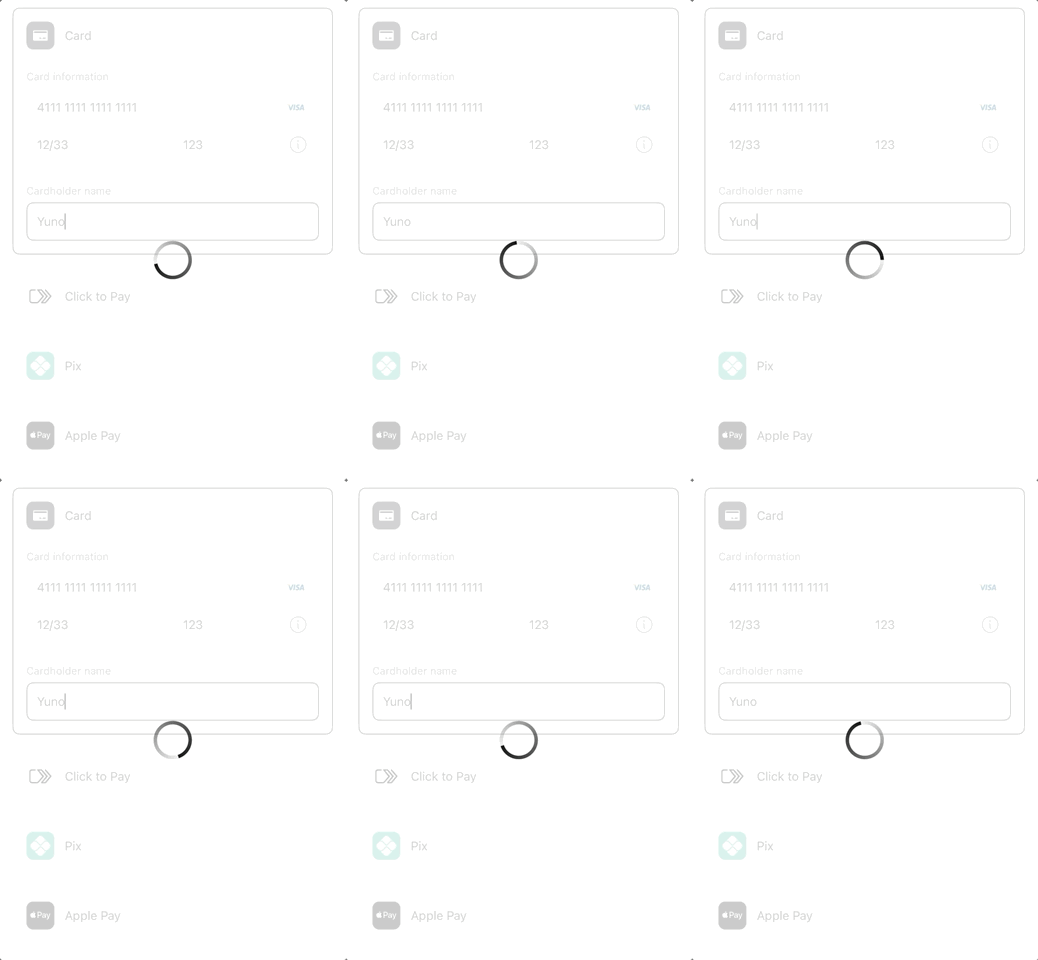
The default spinner, shown while the SDK works.
Want your own loader instead?
OverrideshowLoading and render whatever fits your brand.
If you do not override this controller, the SDK shows a full-screen loader during tokenization, payment creation, 3DS, and status polling. This also applies when you override showView and embed the SDK’s form in your own screen: on Android the loader covers the Activity you pass to Transaction.start, so nothing is rendered inside your layout and back is swallowed while it is on screen. One exception on iOS: while the list from getPaymentMethodsViews is on screen and the SDK has no view of its own presented, the loader is the list itself, dimmed with a spinner, so the shopper keeps seeing it. Once an SDK view is up, the loader moves there.
When you override it, the SDK does not show a loader of its own. Instead, it emits isLoading: true when entering a loading state and isLoading: false when leaving it. You render your own loader based on those values. On Web, treat each call as the current state, show or hide, instead of counting calls. A headless or secure-fields start() can report true more than once before the matching false.
The controller can be invoked multiple times during a single transaction as the SDK enters and exits loading states.
On iOS you can keep the SDK loader for some flows and show your own for others. Call SdkPayments.defaultShowLoading(isLoading:) from your override to run the default behavior:
SdkPayments.defaultShowLoading(isLoading) from your override:
Signature
- Web
- iOS
- Android
- React Native
Threading
On iOS and Android,showLoading is invoked on the main thread. You can update UI directly from inside this handler. On React Native it runs on the JavaScript thread: update your component state from it.
Related
showView(iOS, Android, React Native). Controls form rendering.