> ## Documentation Index
> Fetch the complete documentation index at: https://docs.y.uno/llms.txt
> Use this file to discover all available pages before exploring further.

# showLoading

> Invoked when the SDK enters or exits a loading state.

`showLoading` is invoked when the SDK enters or exits a loading state. By default, the SDK shows its own full-screen loader; override this controller to render your own.

## The loader you get by default

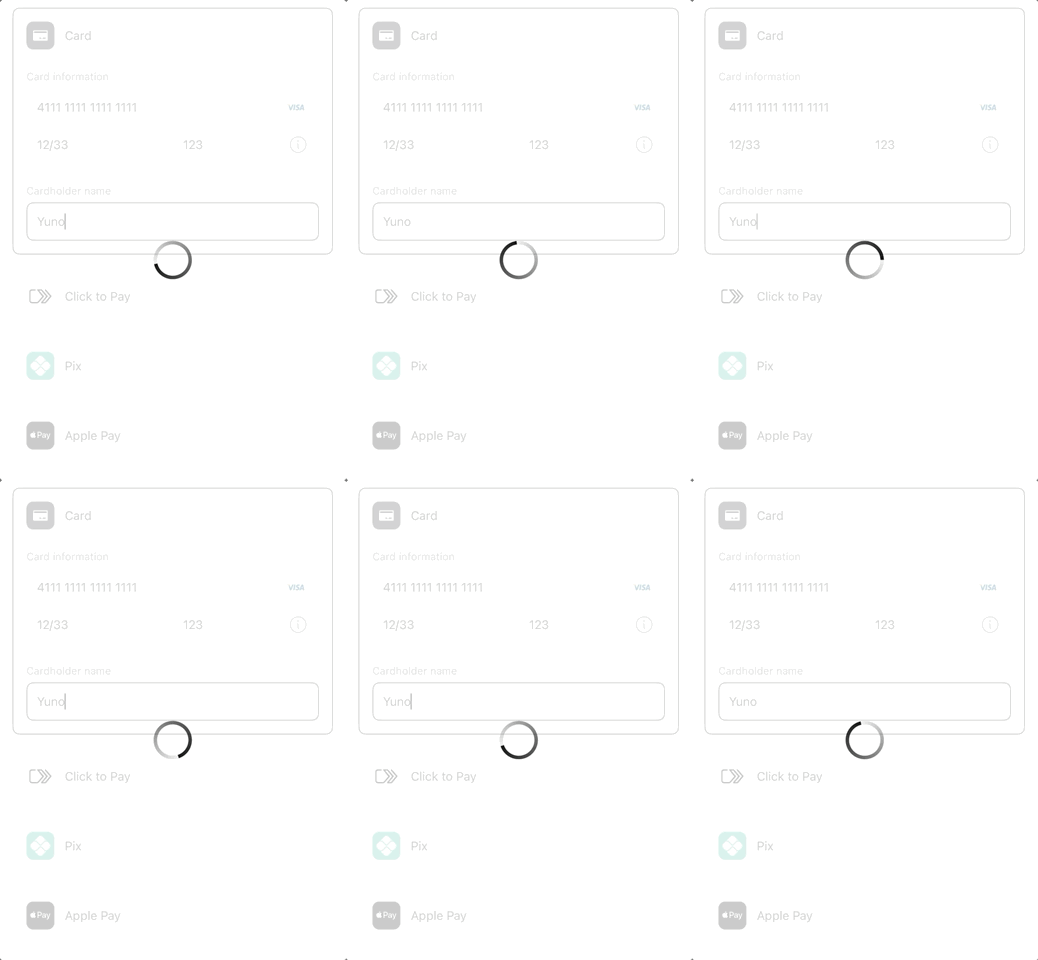
While the SDK works (payment creation, 3DS, loading its forms) shoppers
see a simple spinner:

<div className="media-showcase media-showcase-narrow">
  <img src="https://mintcdn.com/yuno-3979e326/wcaoTPfNIXrvnpRG/images/yuno-sdk/controllers/loading-spinner.gif?s=8d6fc9b446d7be5ff98dfc4d3d470b7f" alt="The SDK's default spinner" width="346" height="480" data-path="images/yuno-sdk/controllers/loading-spinner.gif" />

  <p>The default spinner, shown while the SDK works.</p>
</div>

## Want your own loader instead?

Override `showLoading` and render whatever fits your brand.

If you do not override this controller, the SDK shows a full-screen loader during tokenization, payment creation, 3DS, and status polling. This also applies when you override `showView` and embed the SDK's form in your own screen: on Android the loader covers the Activity you pass to `Transaction.start`, so nothing is rendered inside your layout and back is swallowed while it is on screen. One exception on iOS: while the list from `getPaymentMethodsViews` is on screen and the SDK has no view of its own presented, the loader is the list itself, dimmed with a spinner, so the shopper keeps seeing it. Once an SDK view is up, the loader moves there.

When you override it, the SDK does not show a loader of its own. Instead, it emits `isLoading: true` when entering a loading state and `isLoading: false` when leaving it. You render your own loader based on those values. On Web, treat each call as the current state, show or hide, instead of counting calls. A headless or secure-fields `start()` can report `true` more than once before the matching `false`.

The controller can be invoked multiple times during a single transaction as the SDK enters and exits loading states.

On iOS you can keep the SDK loader for some flows and show your own for others. Call `SdkPayments.defaultShowLoading(isLoading:)` from your override to run the default behavior:

```swift theme={"theme":{"light":"github-dark","dark":"github-dark-dimmed"}}
func showLoading(isLoading: Bool) {
    guard usesOwnLoader else {
        SdkPayments.defaultShowLoading(isLoading: isLoading)
        return
    }
    spinner.isHidden = !isLoading
}
```

## Signature

<Tabs>
  <Tab title="Web">
    ```typescript theme={"theme":{"light":"github-dark","dark":"github-dark-dimmed"}}
    sdkPayments.transaction({
      ...,
      showLoading: (isLoading) => mySpinner.toggle(isLoading),
    })
    ```
  </Tab>

  <Tab title="iOS">
    ```swift theme={"theme":{"light":"github-dark","dark":"github-dark-dimmed"}}
    func showLoading(isLoading: Bool)
    ```
  </Tab>

  <Tab title="Android">
    ```kotlin theme={"theme":{"light":"github-dark","dark":"github-dark-dimmed"}}
    fun showLoading(isLoading: Boolean)
    ```
  </Tab>
</Tabs>

## Threading

On iOS and Android, `showLoading` is invoked on the main thread. You can update UI directly from inside this handler.

## Related

* [`showView`](/docs/yuno-sdk/controllers/show-view) (iOS, Android). Controls form rendering.


This documentation is built and hosted on [Mintlify](https://mintlify.com), a developer documentation platform.