> ## Documentation Index
> Fetch the complete documentation index at: https://docs.y.uno/llms.txt
> Use this file to discover all available pages before exploring further.
# Aida AI in the Dashboard
Aida AI is integrated throughout the Yuno Dashboard, providing contextual assistance and AI-powered features directly within different dashboard sections. Aida AI helps you get instant answers, generate insights, and streamline your workflow without leaving the dashboard.
## Using Aida AI across the dashboard
Aida AI lives in one chatbot widget (bottom right). Open it on any screen, choose **Aida AI** or **customer support**, and ask for help in natural language.
### Dashboard entry point
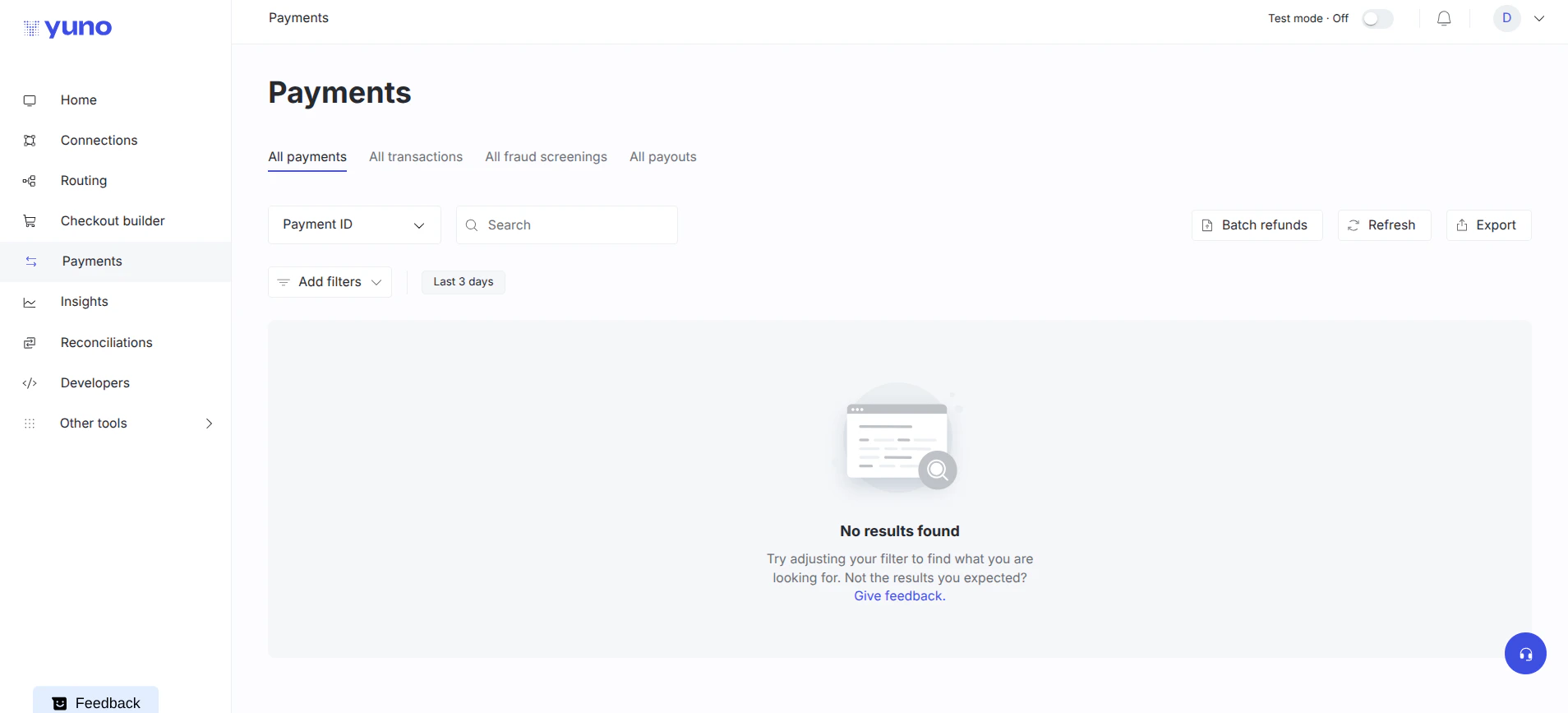
The Aida AI widget is always available in the bottom-right corner of every dashboard screen, so you can access help wherever you are.
 ### Start a new chat
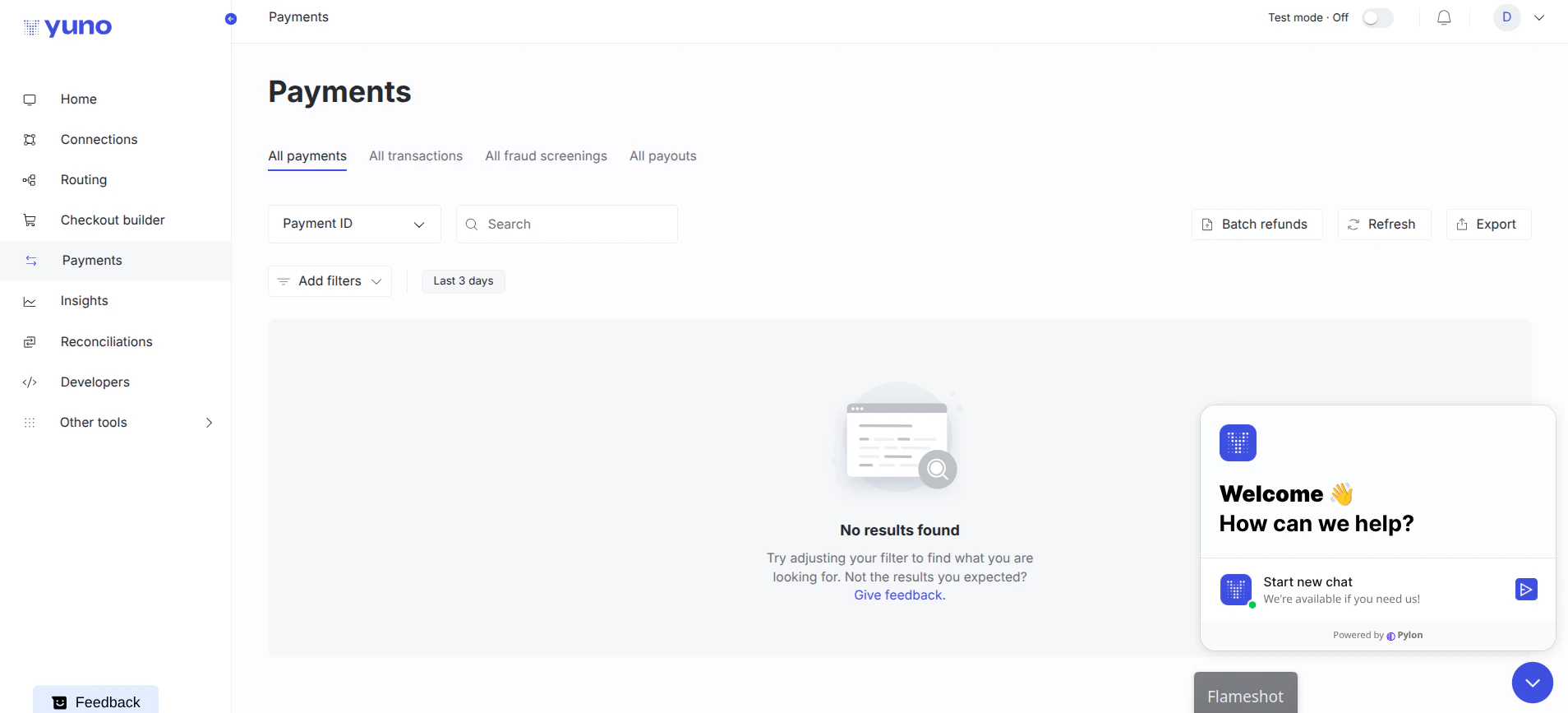
When you open the widget, you'll be prompted to start a new chat with Aida AI.
### Start a new chat
When you open the widget, you'll be prompted to start a new chat with Aida AI.
 ### Payments
On the Payments section, use the chat to ask about payment IDs, status, or recent failures.
### Payments
On the Payments section, use the chat to ask about payment IDs, status, or recent failures.
 ### Insights
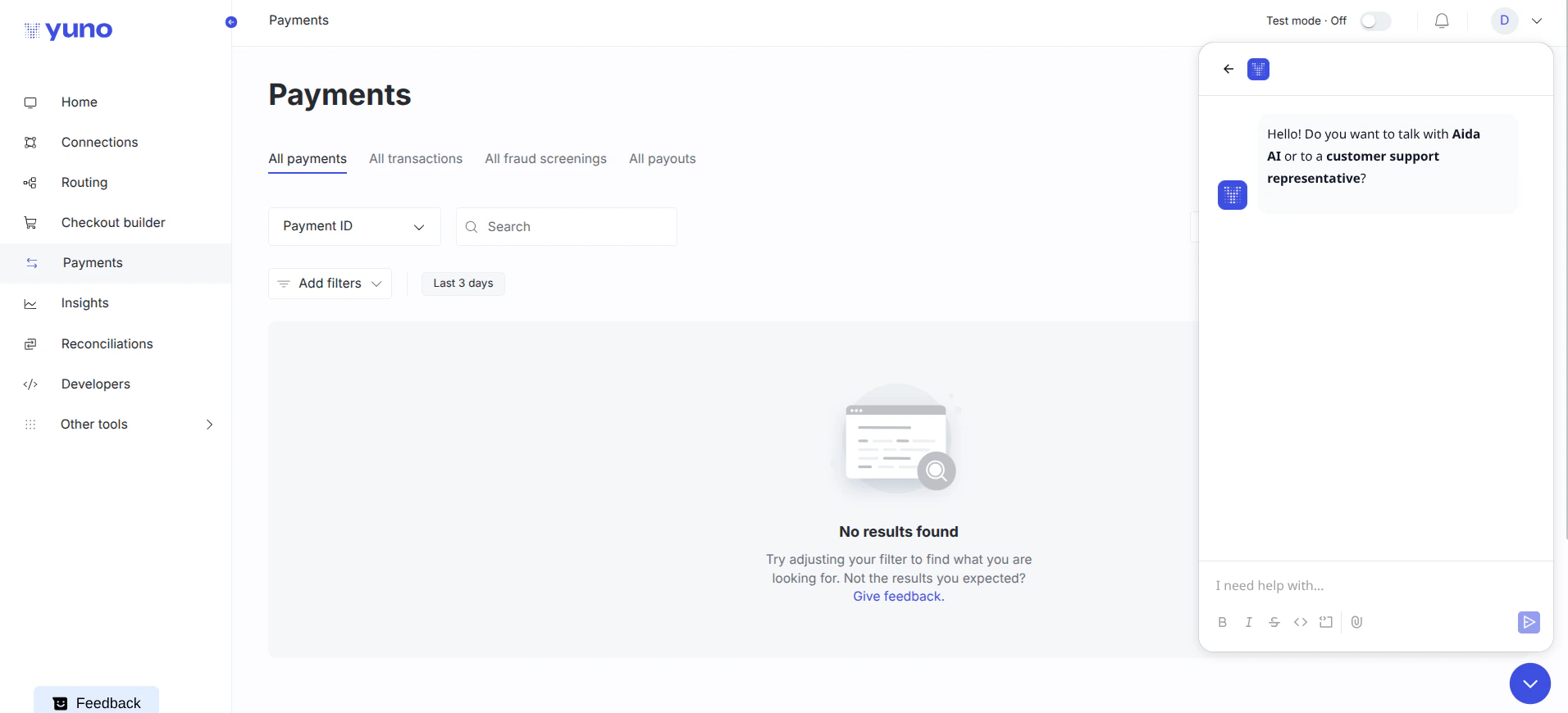
In the Insights section, ask Aida AI for metric explanations or quick charts.
### Insights
In the Insights section, ask Aida AI for metric explanations or quick charts.
 ### Routing
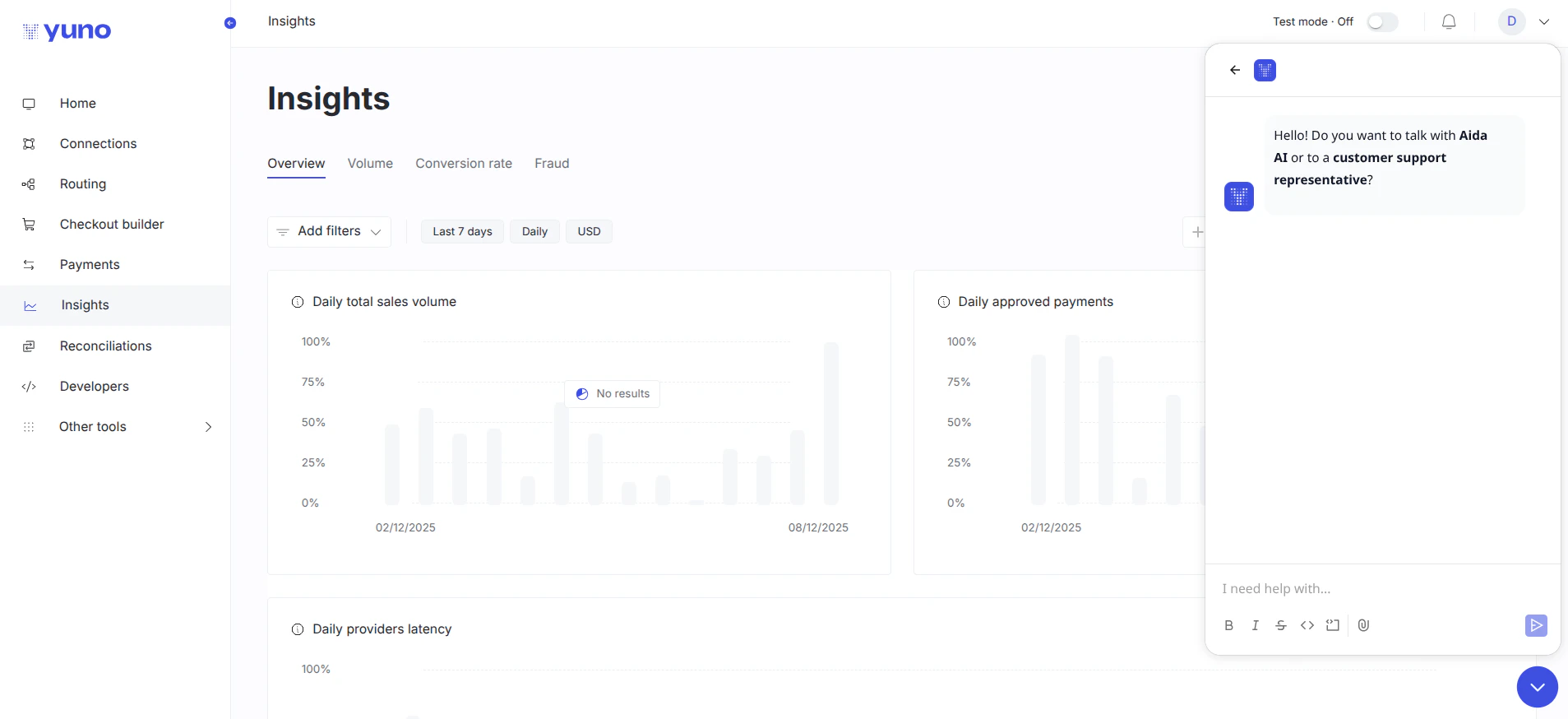
Within Routing, ask Aida AI to create, optimise, or troubleshoot routing rules.
### Routing
Within Routing, ask Aida AI to create, optimise, or troubleshoot routing rules.
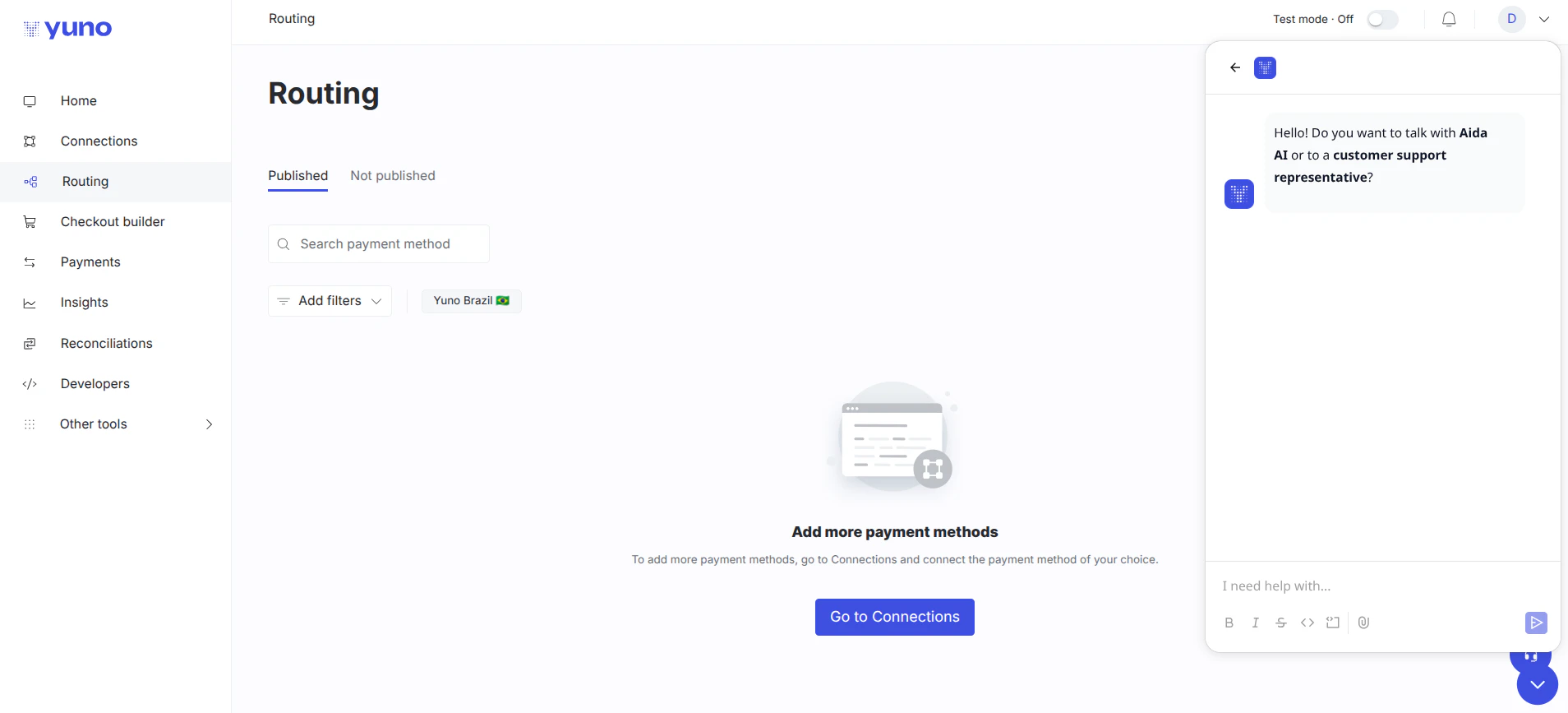 How to use:
1. Open the chatbot widget in the bottom right.
2. Select **Aida AI**.
3. Ask your question.
## What you can ask Aida AI
Aida AI can help you with:
* Payment information: get details about payments, transactions, and history
* Insights and analytics: request explanations, charts, or emailed visualizations
* Routing configuration: get help creating and optimizing routing rules
* Platform features: learn about Yuno features, integrations, and capabilities
* Troubleshooting: resolve issues and understand error messages
* Technical questions: ask about SDK integration, API usage, and platform functionality
For more information about Aida AI's capabilities, see the [Aida AI Agent documentation](/docs/aida-ai-agent).
How to use:
1. Open the chatbot widget in the bottom right.
2. Select **Aida AI**.
3. Ask your question.
## What you can ask Aida AI
Aida AI can help you with:
* Payment information: get details about payments, transactions, and history
* Insights and analytics: request explanations, charts, or emailed visualizations
* Routing configuration: get help creating and optimizing routing rules
* Platform features: learn about Yuno features, integrations, and capabilities
* Troubleshooting: resolve issues and understand error messages
* Technical questions: ask about SDK integration, API usage, and platform functionality
For more information about Aida AI's capabilities, see the [Aida AI Agent documentation](/docs/aida-ai-agent).